The AI proposes the draft. You sign.
Write or photograph your session notes and get a draft organised in your template. It is optional: if you do not want it, turn it off in Settings.
Included in the Profesional and Equipo plans.
From your notes to a draft
In your template, ready to review.
Never writes on its own
The text enters your record only when you tap “Usar”.
Optional
If you do not want it, turn it off and your clinical record works the same.
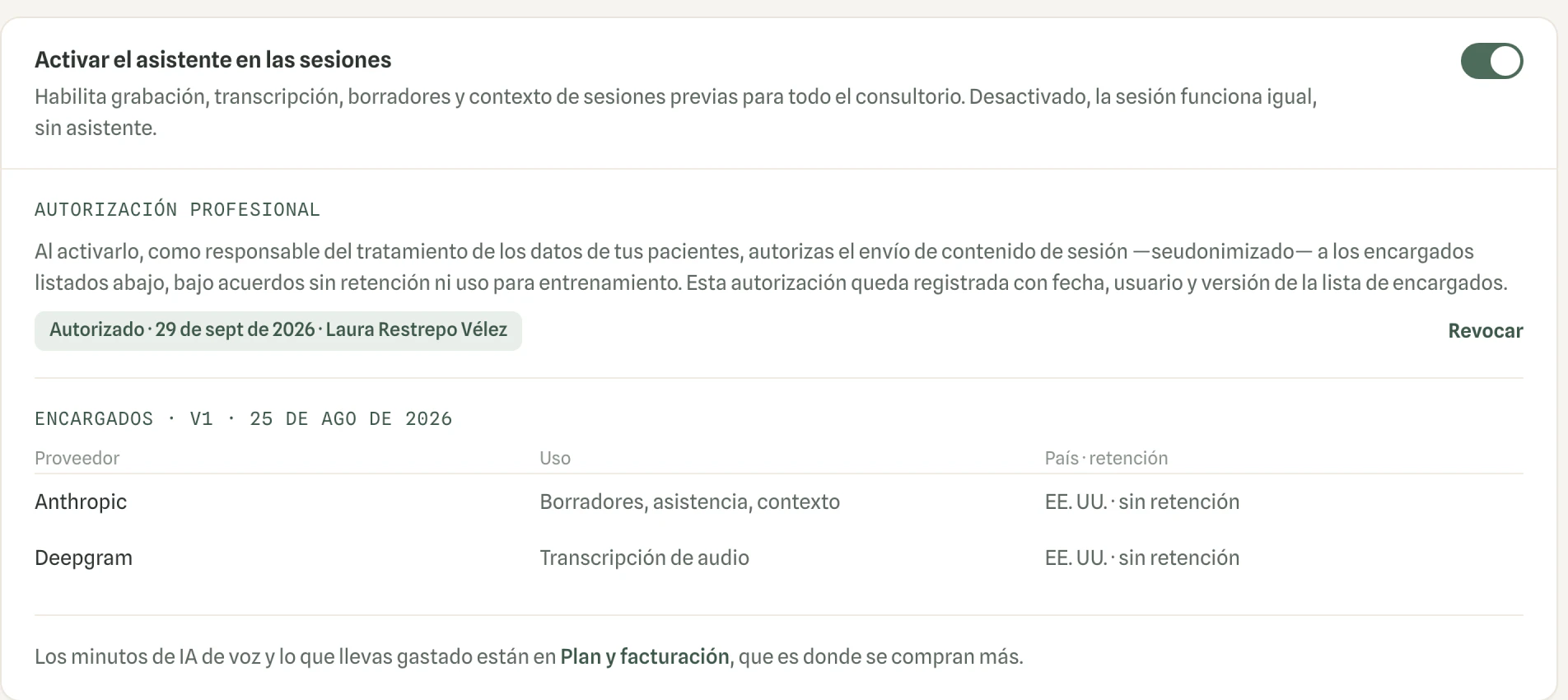
- Switch it off any time
- Providers with no retention
Frequently asked questions
Can the AI write into the clinical record on its own?
No. The AI proposes a draft and the text enters the record only when you tap “Usar”. You review and sign.
Do I have to use the AI?
No. It is optional: if you do not want it, turn it off in Settings and your clinical record works the same.
Where does the draft come from?
From what you write, or from the pages of your notes that you photograph. The assistant organises it in your template for you to review before signing.
Keep exploring
- Clinical recordSigned and in chronological order
- ConsentsSigned and kept in the file
- Full exportDownload everything whenever you want
Try Vínculo free for 14 days, with a 30-minute guided session to get your practice ready.
Try it free for 14 days